
Translate Picture to English: Café Menu
The task
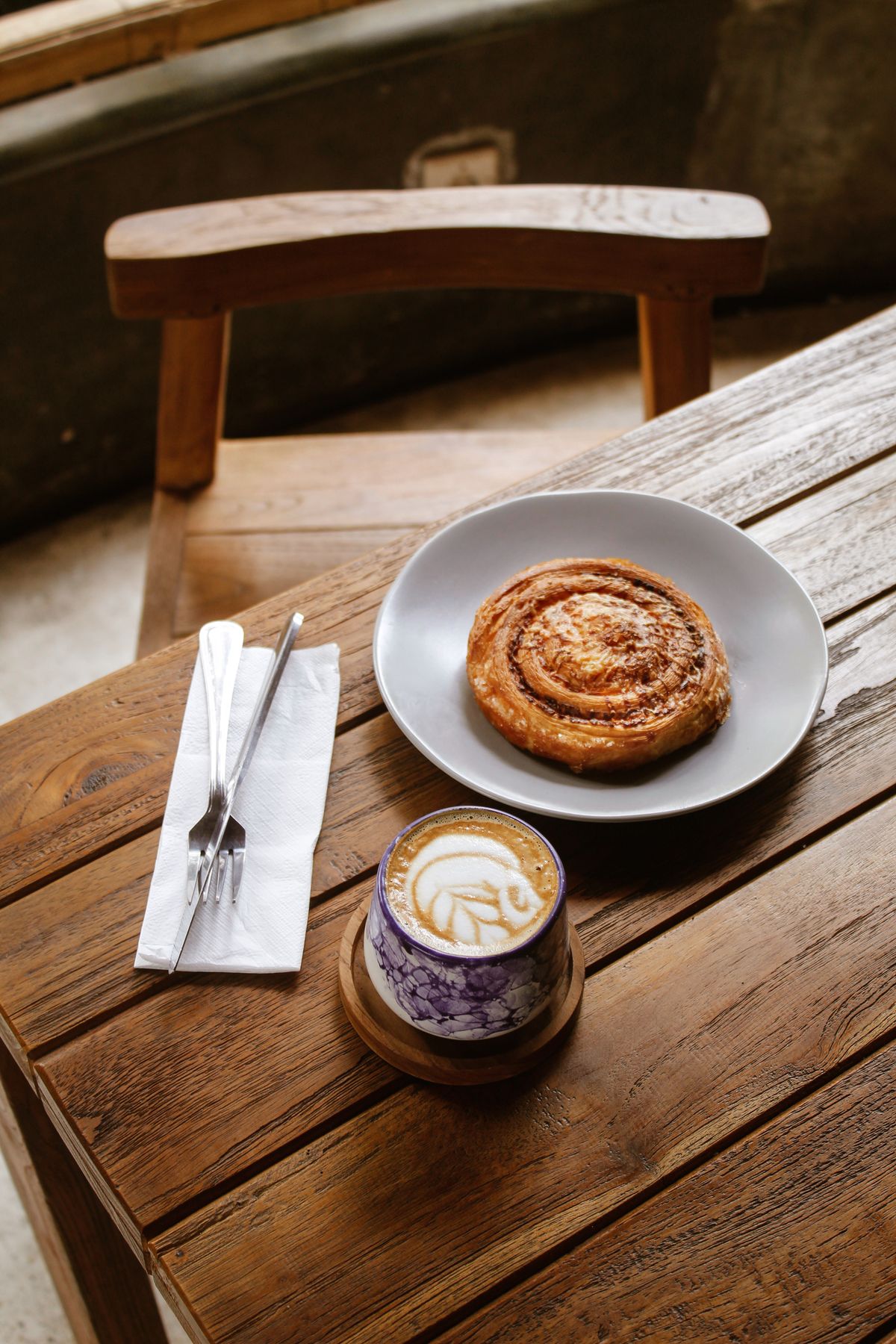
Need to translate an image to English? A café can upload its Spanish menu graphic and choose English for visitors.
What to check
Review dish names, prices, and the euro symbol after translating.
Upload a photo, poster, or screenshot to translate text in image files. Download the result with translated words in place while keeping the original layout and style.


Click to upload or drop an image here
Explore how translated words fit into menus, posters, schedules, and travel campaigns.


The task
Need to translate an image to English? A café can upload its Spanish menu graphic and choose English for visitors.
What to check
Review dish names, prices, and the euro symbol after translating.


The task
The team has a finished English poster but needs a Spanish version.
What to check
Check the translated headline, line breaks, and exhibition name before publishing.


The task
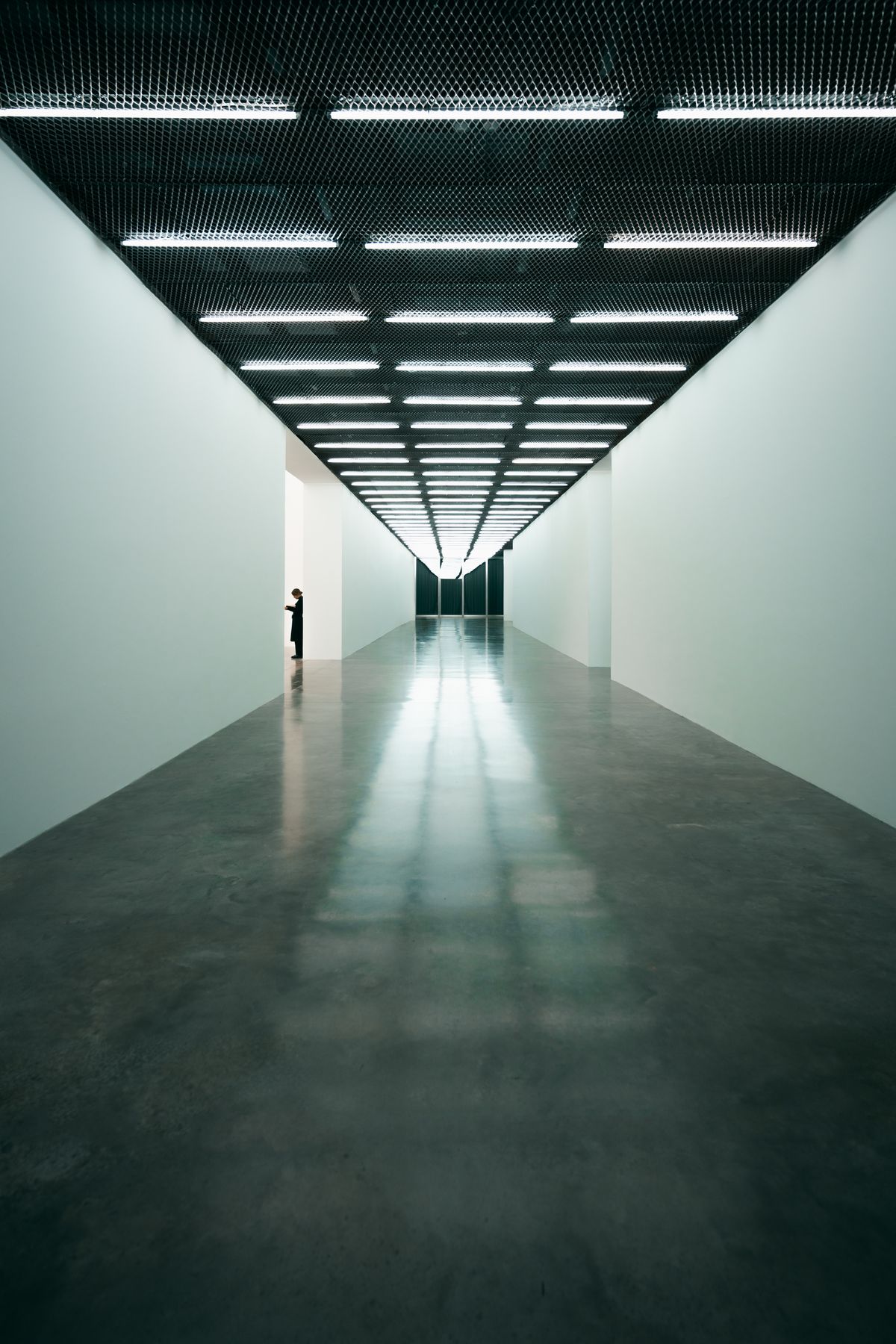
A gallery needs a French version of a finished wayfinding graphic.
What to check
Check arrows, floor numbers, and proper names with the new wording.
WORKSHOPSAT 12 OCT
10:00 Ceramic basics
13:30 Color workshop
LOCAL TIME · ROOM 4
HORARIO DESÁB 12 OCT
10:00 Cerámica básica
13:30 Taller de color
HORA LOCAL · SALA 4
The task
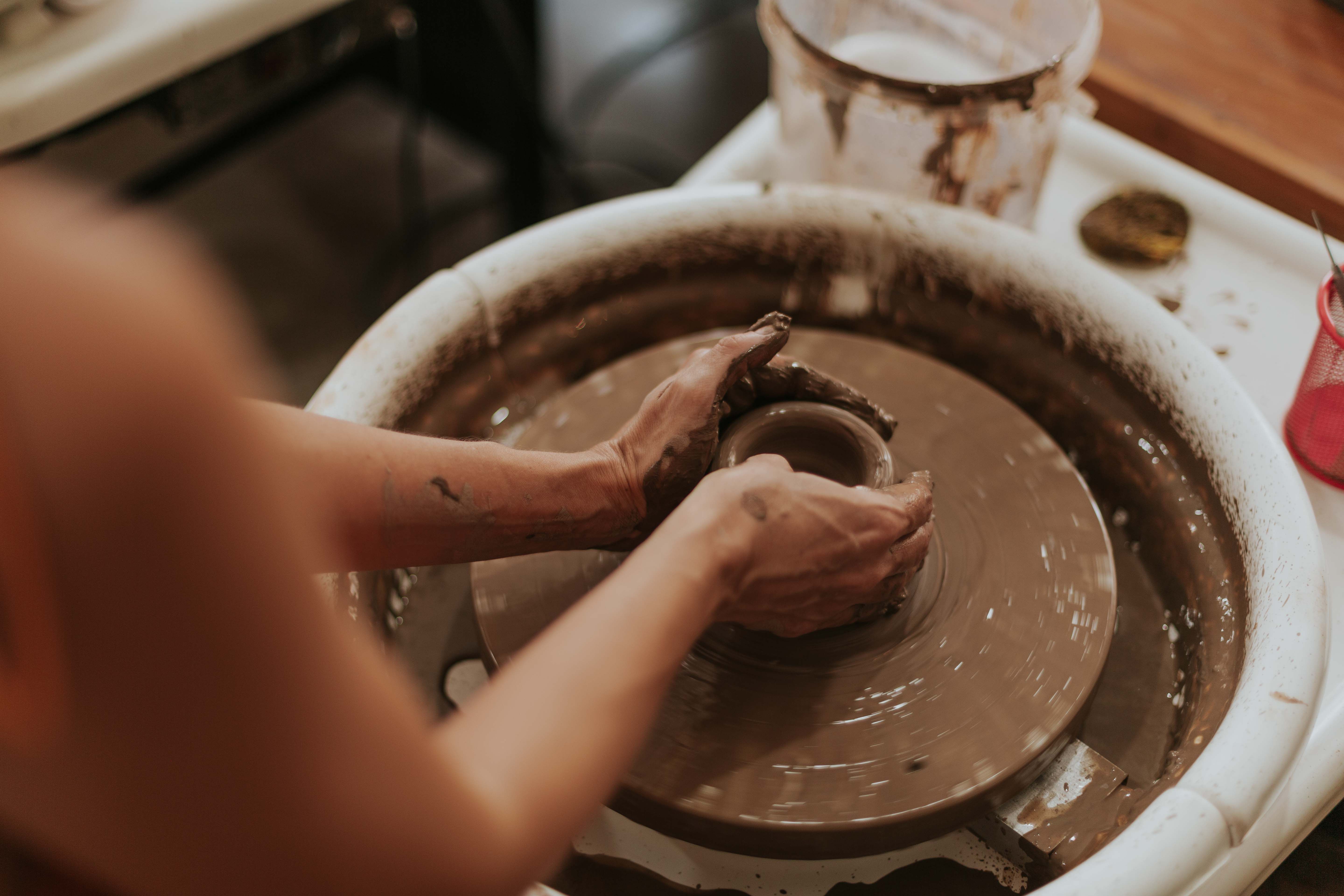
A pottery workshop has an English schedule and needs a Spanish version for visitors.
What to check
Check the date, class names, start times, and room number after translation.


The task
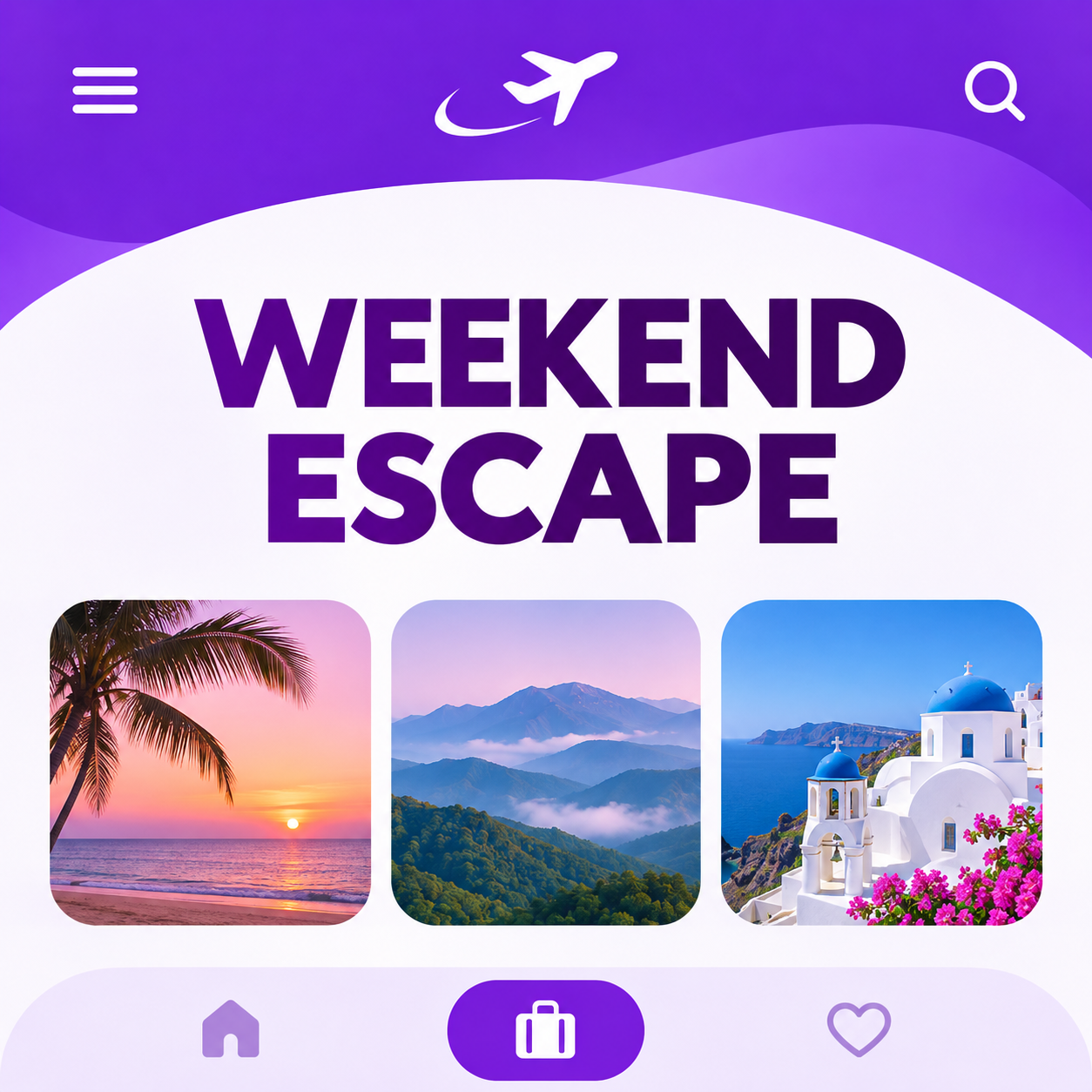
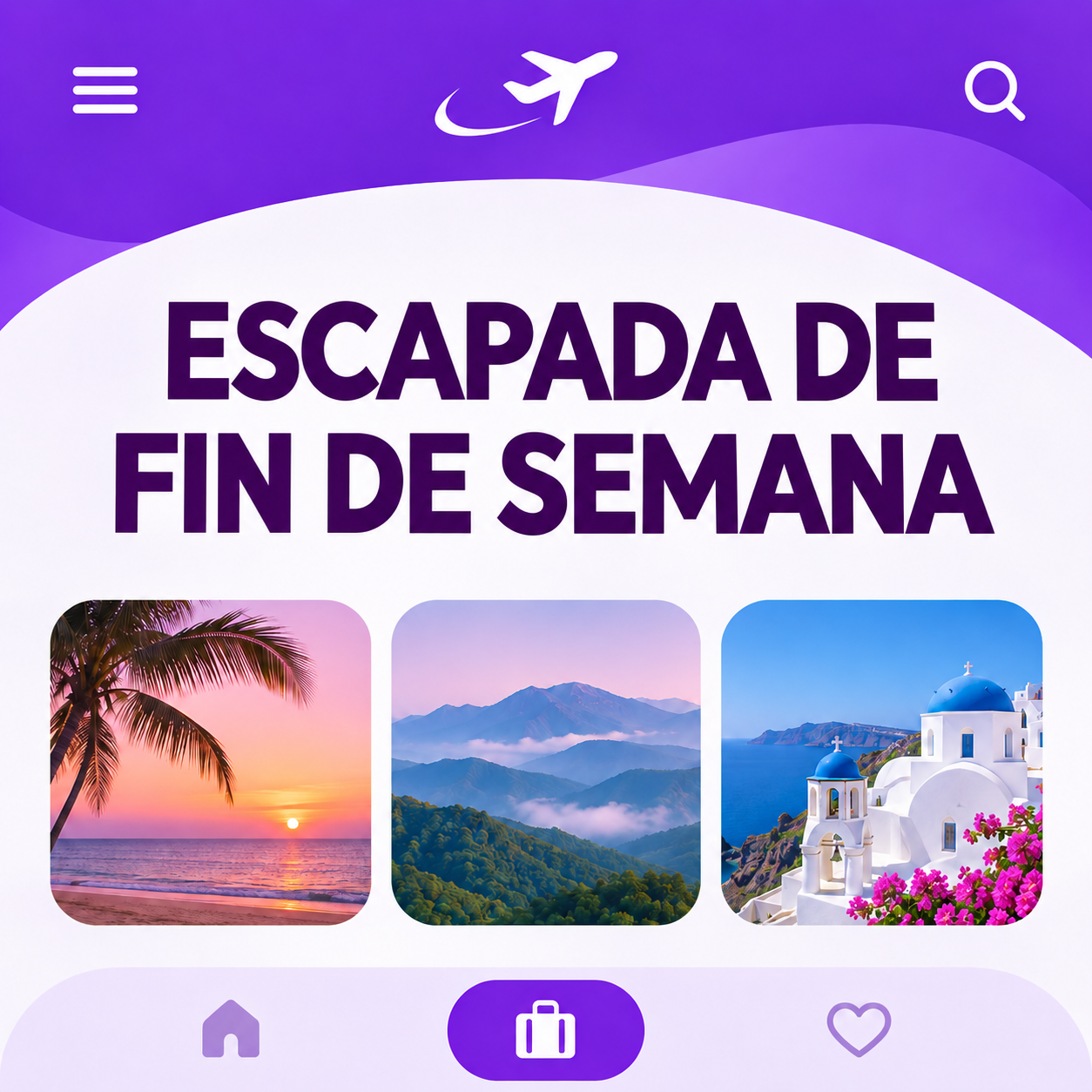
A travel business has an English digital poster for a desert retreat and needs an Arabic version for its campaign.
What to check
Check the Arabic wording, right-to-left layout, and booking call to action before publishing.
Upload one image, choose a target language, and review the translated image before downloading.
STEP 1
Select a PNG, JPEG, or WebP image and one output language. The tool will attempt to translate all detected text.
STEP 2
Generate the translated image and compare it with the source. Longer words may need different spacing or line breaks.
STEP 3
Check names, prices, dates, and visual details, then save the image you want to use.
Visual matching is a goal; translation accuracy and readability still need a final check.
Longer phrases may wrap or need shorter wording.
Check brands, places, people, and product names.
Review prices, dates, sizes, and currency symbols.
Zoom in on small text, lettering edges, and complex textures.
Answers about translating words in images, supported languages, and checking the result.
Upload a PNG, JPEG, or WebP image, choose a target language, and click Generate. Review the translated image before downloading it.
You get an edited image with the translated words in place. The output is not a separate text transcript or an OCR extraction.
Yes. Choose English as the target language, then review the translated wording and layout in your result before downloading it.
Yes. Registered users get 8 free credits each day, enough for one translation. The free balance resets at midnight in your account time zone and does not roll over. Purchased credits do not expire.
The AI uses the lettering in your image as a visual reference and redraws the translation in place, matching the font style, color, and spacing to the surrounding design. Longer translations may need different line breaks or letter sizes to fit the original text area. Review the result before publishing.
Yes. Upload the screenshot or product image as a PNG, JPEG, or WebP file. Check small interface labels and branded wording in the generated result.
Choose from 20 target languages, including English, Spanish, Simplified and Traditional Chinese, Japanese, Korean, French, German, Portuguese, Italian, Russian, Arabic, Hindi, Indonesian, Dutch, Polish, Swedish, Thai, Turkish, and Vietnamese. Source language can be detected automatically or chosen from the original source-language list.
Yes. Check names, prices, dates, specialized terms, tone, and whether longer text fits in the design.
Yes. Download the translated image, then use the image text editor to enter the wording you want to replace and its replacement. Open the image text editor
Your upload and translated result are private to your account. We do not sell your personal data. Authorized AI and storage providers process the image only as needed to deliver the service.
The original is available for up to 14 days after submission and the translated result for up to 14 days after completion. History records remain for 30 days, but the image may no longer be downloadable after 14 days.
Download the result while it is available, then keep your own copy. You can delete your account to remove its stored image files. Our Privacy Policy explains storage, service-provider processing, and deletion.
We keep the information needed for your account, translation task, history, support, and security. The source and translated images are available for up to 14 days under their respective deadlines; task records remain for 30 days. Our Privacy Policy explains other records and retention exceptions.
We do not publish your uploaded image or translated result. Access is tied to your account, and we use encrypted connections and reasonable safeguards. Authorized AI and storage providers handle images to provide the service; absolute security cannot be guaranteed.
Contact us through the Contact page or at contact@edittextpicture.com. Include the task ID and describe the wording or layout issue. Do not include passwords or full payment card details.
Translate images you own or are licensed to adapt. You are responsible for copyright, local law, and third-party rights, including when using a result commercially. Do not alter official, identity, or financial documents or make deceptive images; see our Terms of Service.
Still need help? Contact support
Your next translated image starts with a single upload.